How to choose a tablet (2026)
By the Let’s Compare Editorial Team · 3 min read · 6 things that matter · Updated September 2026
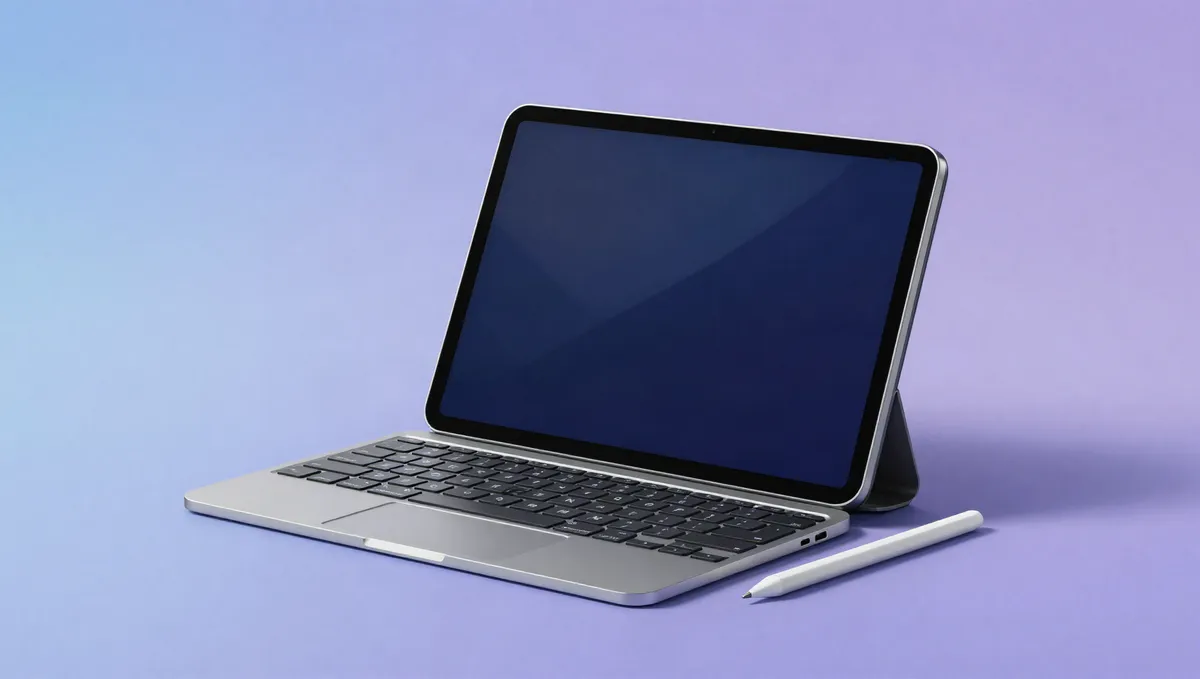
Short answer: Work out what it's for before anything else. A mid-range tablet with a good screen is plenty for couch browsing and video. For drawing or note-taking, put stylus support and display quality first, and if it's replacing a laptop, pay for the chip, the RAM and a proper keyboard. Buy enough storage up front, because most tablets can't be upgraded, and don't overpay for power you won't use.
Is it for streaming shows in bed, or for replacing your laptop? Tablets run from cheap media slates to machines that can do a laptop's job, and the right one depends almost entirely on what you have in mind. Below you'll find what each spec means, its weight in our 0–100 score and what's normal across the tablets we track.
What matters most, and how much
| Factor | Weight in our score |
|---|---|
| Chip & RAM | 25% |
| Display | 23% |
| Storage, connectivity & build | 13% |
| Battery & charging | 9% |
How much each factor moves our 0–100 tablets score.
Torn between the top two? See our head-to-head: Honor MagicPad 3 vs Honor MagicPad 3 Pro 13.3 →
Display: the whole point of a tablet
A tablet is mostly screen, so the display carries the most weight in our score. Size decides the use: ~8 inches for one-handed reading, ~11 inches as the do-everything option, 13-inch for drawing and split-screen work. Panel quality counts too. 35% of the tablets we track use OLED for deep blacks and vivid colour, and a high refresh rate (74% do 120Hz) makes scrolling and pen strokes feel fluid. If you'll use it outdoors or in bright rooms, weigh actual brightness over resolution.
Weight in our score: 23%See the best for this →
Chip & RAM: power that lasts
Performance shares the top spot in our score, because it decides how long the tablet stays pleasant to use. Almost any current chip handles browsing and video. For demanding apps, heavy multitasking or laptop duty, a flagship chip and more RAM (our median is 8GB) keep things smooth for years, and RAM also governs how many apps stay open in split-screen. As with phones, don't compare chip specs across platforms, since iPadOS and Android use them differently.
Weight in our score: 25%
Stylus & keyboard: the accessories that change the job
Accessories are what turn a media tablet into a tool. 0% of the tablets we track support an active stylus for notes, sketching and markup, and 90% pair with a dedicated keyboard for something close to laptop work. They're usually sold separately and can add a lot to the price. The good ones (low-latency pens, solid keyboard cases) also tend to be tied to the pricier tablets, so budget for the whole kit.
Battery & charging: all-day is the norm
Most tablets comfortably get through a day of mixed use, so capacity rarely decides anything. Standby drain and charging speed do vary, though. If you'll carry it around, a lighter tablet with fast charging beats a slightly bigger battery you have to lug. Take the advertised battery life with a pinch of salt: it's measured under gentle conditions, and everyday mixed use runs shorter.
Weight in our score: 9%See the best for this →
Software & longevity: the hidden dealbreaker
Hardware only gets you so far if the apps are weak. Tablet-optimised apps make a huge difference, and a platform with mature large-screen apps beats one where you're staring at stretched phone apps. Updates count just as much. Buy from a maker that promises years of OS and security updates, or the hardware will outlive its software. That affects how long the tablet stays useful far more than a spec bump does.
Storage, connectivity & build: get these right up front
A few practical decisions will save you regret later. Storage usually can't be expanded, so buy more than you think you need; offline video and creative files fill it fast. Decide at purchase whether you want cellular for always-on data away from Wi-Fi, because it can't be added afterwards. If you plan to dock it, check what the USB-C port can actually do (display-out, fast data). And be realistic about size and weight given where you'll use it.
Weight in our score: 13%
Frequently asked questions
How much storage and RAM should a tablet have?
More storage than you think you need, since it usually can't be expanded. Extra RAM keeps split-screen multitasking smooth over the years.
Can a tablet replace a laptop?
For browsing, media and light work with a keyboard, yes. For heavy multitasking, it depends on the chip, the RAM and how mature the platform's large-screen apps are.
Do I need a stylus and keyboard for my tablet?
Only if you'll draw, take notes or type a lot. They're usually sold separately and add to the cost, so budget for the whole kit.
Sources & further reading
Every figure above is computed from our own catalogue. The general technical claims are backed by the independent references below (some from non-English outlets), so you can check them yourself.
- iPad Pro 13-inch (M4) Tech Specs — Apple
- iPad Pro (M4) — Wikipedia
- アップル、シリーズ初の有機EL「iPad Pro」。「史上最高に薄いアップル製品」 — AV Watch (Impress) (JA)
Ready to compare?
The figures in this guide are computed live from the 31 tabletsin our catalogue and update as it grows. Analysis by the Let’s Compare Data Engine.