Buying guides (2026)
Plain-English buying guides for every category we compare: what each spec really means, how much it moves our 0–100 score, and what's normal right now, with figures computed live from our catalogue.
How to choose a smartphone
SmartphonesBuy the phone that's strong where you actually use it. Nearly everyone benefits from a good screen and a battery that lasts the day; cameras and raw power only count if you lean on them. Set a budget first, then let the one or two specs you care about break the tie, and don't pay for the rest.
How to choose a laptop
LaptopsStart with what you'll actually do on it. For browsing, office work and video, almost any current laptop with 16GB of RAM is plenty, so put the money into a better screen, a comfortable keyboard and a lighter build. Pay up for a 'Pro' processor or dedicated graphics only if you game or edit heavy media.

How to choose headphones
HeadphonesFirst decide how you'll wear them: over-ears for comfort and sound at home or on planes, earbuds for the gym and your pocket. Then spend on the two things you'll notice every day (good active noise cancelling and all-day battery), and don't get talked into codecs or driver sizes that won't change what you hear.
How to choose a monitor
MonitorsPick the panel for the job: fast and high-refresh for gaming, colour-accurate IPS or OLED for creative work, big and sharp for the office. Size and resolution shape everything else, so settle those first and let refresh rate, HDR and ergonomics break the tie. Don't pay for 4K on a small screen, or for 240Hz you'll never push.
How to choose a TV
TVsThink about the room and what you'll watch. In a dark room, for movies, OLED's perfect blacks are hard to beat; for a bright room or sports, a high-brightness Mini-LED wins. Gamers should insist on HDMI 2.1 with 120Hz and VRR. Get the size and panel right first. The smart platform and speakers matter far less and are cheap to fix later.
How to choose a camera
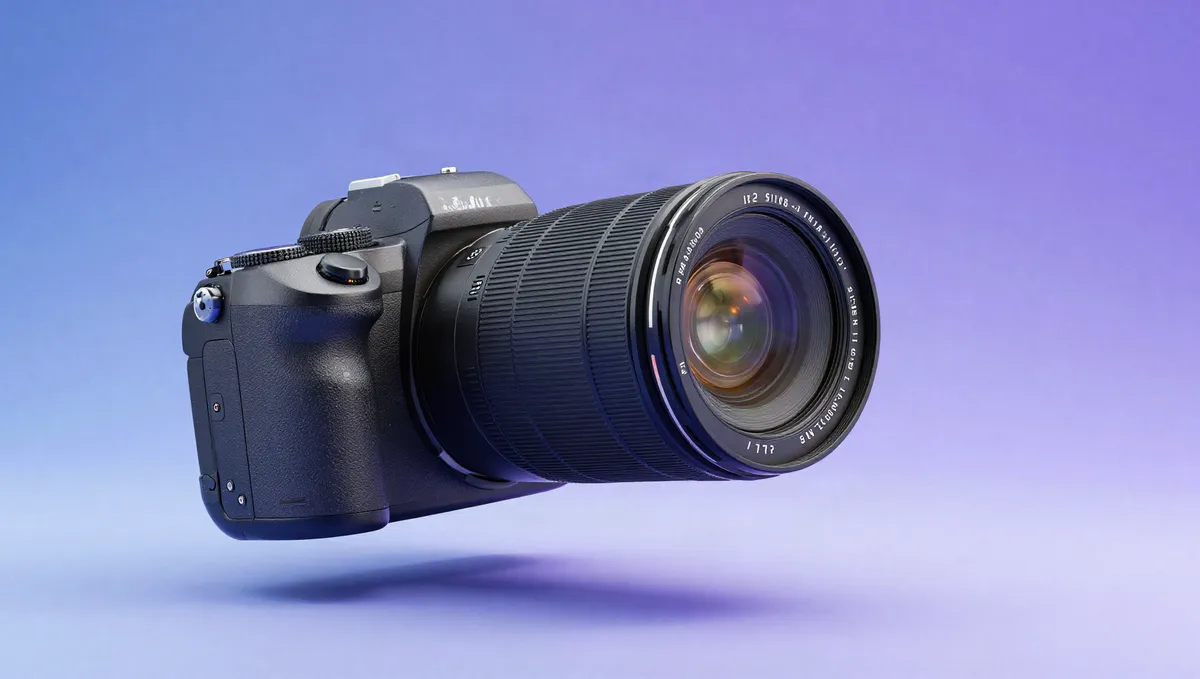
CamerasYou're buying into a lens system as much as a body, and the lenses you add later will matter more than any spec. Pick a sensor size that suits your budget and how much you're willing to carry, then let autofocus and (if you shoot video) the video features break the tie. Megapixels come near the bottom of the list. Almost every current camera has more than enough.
How to choose a tablet
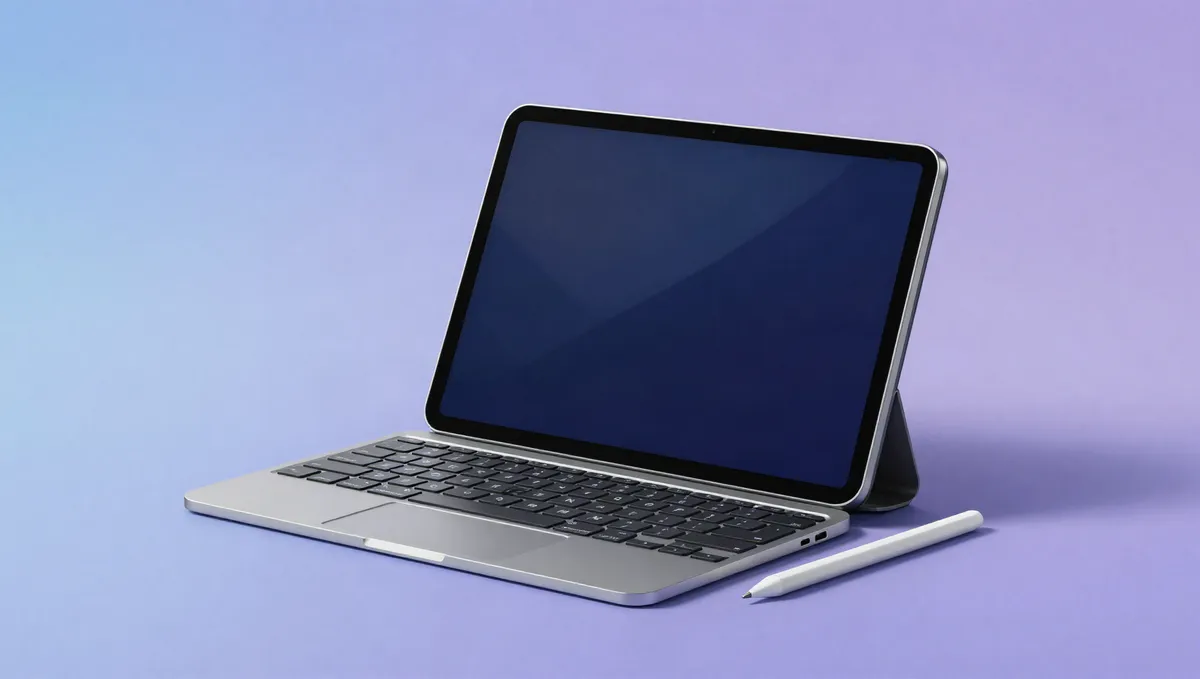
TabletsWork out what it's for before anything else. A mid-range tablet with a good screen is plenty for couch browsing and video. For drawing or note-taking, put stylus support and display quality first, and if it's replacing a laptop, pay for the chip, the RAM and a proper keyboard. Buy enough storage up front, because most tablets can't be upgraded, and don't overpay for power you won't use.
How to choose a smartwatch
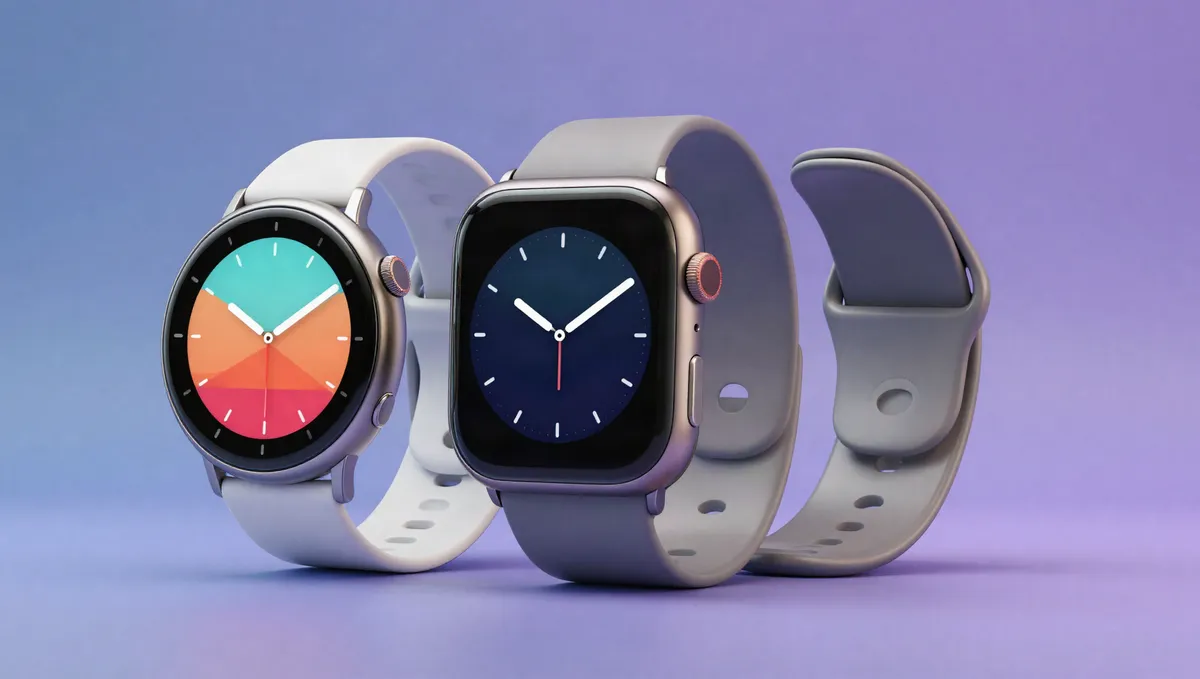
SmartwatchesCheck compatibility first, because a smartwatch that doesn't fully work with your phone is a poor buy at any price. Then choose between rich smart features with nightly charging and a multi-day battery that suits sleep tracking and workouts. Pay for the health sensors you'll use, and skip features tied to an ecosystem you're not part of.
How to choose a gaming handheld
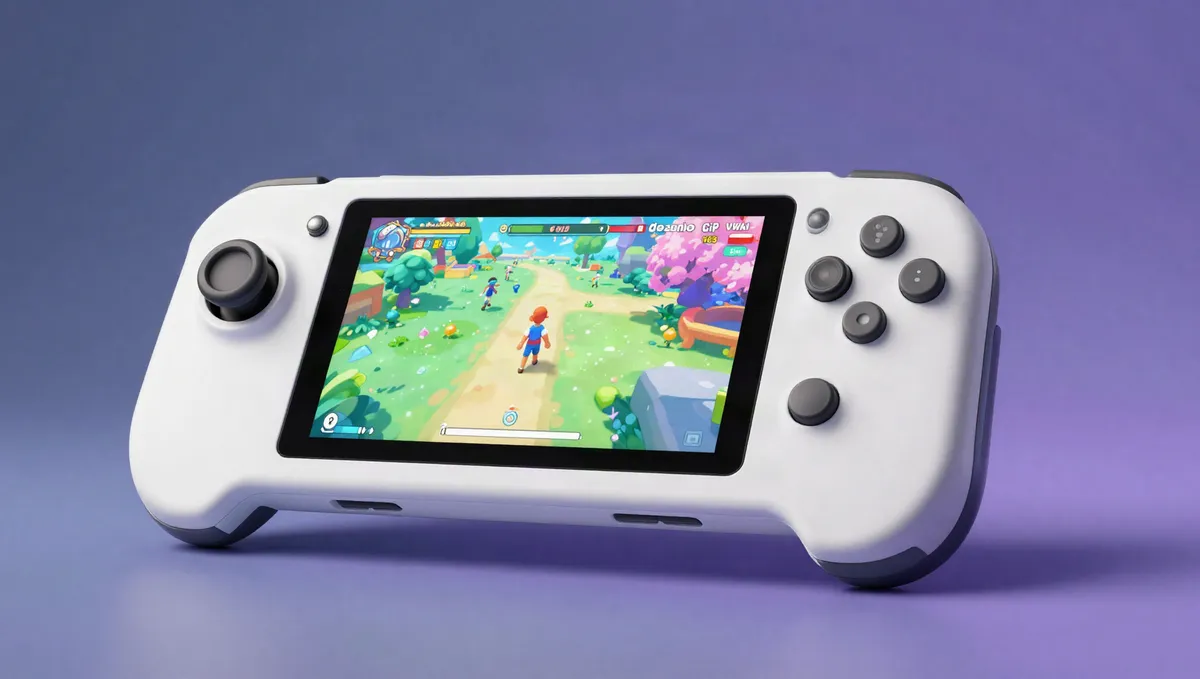
HandheldsFirst choose between a locked-down, console-like device that's easy to live with and an open Windows handheld you can tweak. Then weigh what you'll feel every session: screen quality, battery life in actual play and how it sits in your hands. Raw power is tempting, but a comfortable, efficient handheld you keep picking up beats a powerful one that cooks your palms and dies in an hour.
How to choose an e-reader
E-ReadersStart with the store you'll buy books from, then pick a screen size that suits how you read. Most people are best served by a 6–7 inch waterproof reader with an adjustable warm front light, which covers bedtime and bath reading beautifully. Only pay extra for colour or note-taking if you specifically need them. For plain reading, a great black-and-white screen still wins.
How to choose a CPU
CPUsBuy for your workload and the rest of the build. Gamers get more from strong single-core speed and a good GPU than from a high core count, while creators and anyone compiling code benefit from more cores and threads. Check the socket and cooling before you buy, and skip overclockable, high-wattage chips you won't push.
How to choose a graphics card
GPUsBuy a card for the resolution and refresh rate you play at, with enough VRAM to last. Before you commit, check that it fits your case and that your power supply can feed it. Real-world benchmarks at your resolution tell you more than headline specs do, and upscaling and ray-tracing support are worth weighing if you care about those features.