How to choose a TV (2026)
By the Let’s Compare Editorial Team · 2 min read · 5 things that matter · Updated September 2026
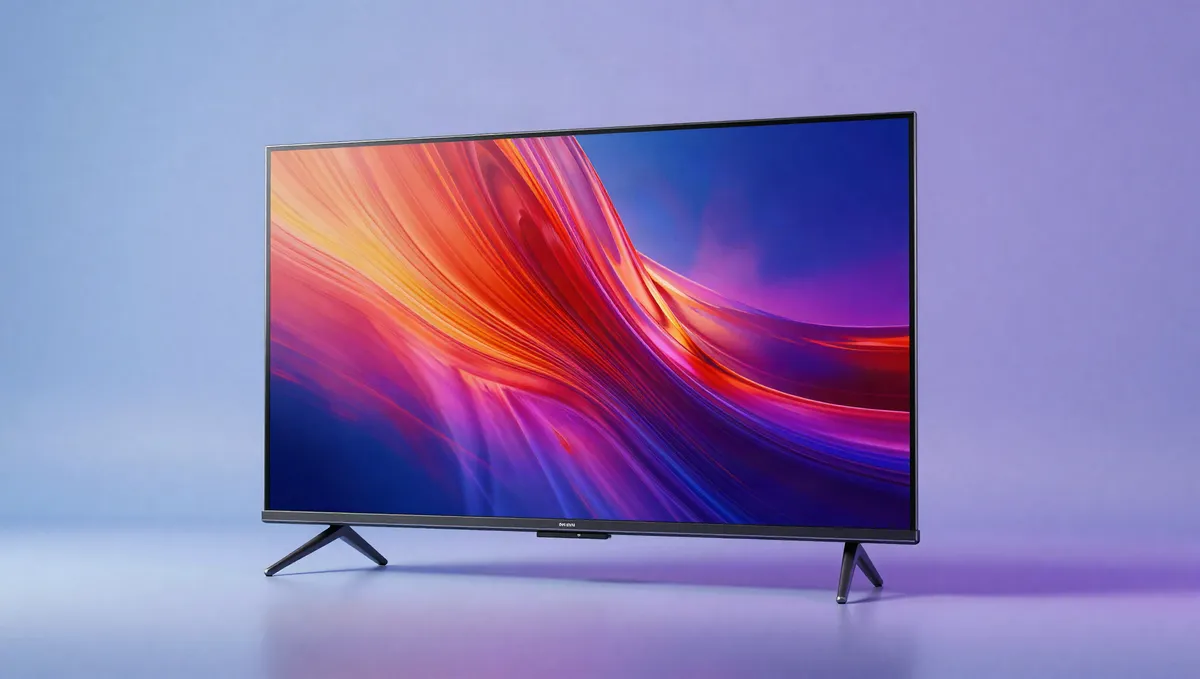
Short answer: Think about the room and what you'll watch. In a dark room, for movies, OLED's perfect blacks are hard to beat; for a bright room or sports, a high-brightness Mini-LED wins. Gamers should insist on HDMI 2.1 with 120Hz and VRR. Get the size and panel right first. The smart platform and speakers matter far less and are cheap to fix later.
You'll likely live with a TV for 5–8 years, so put the panel ahead of the feature list. What does each spec actually do, and how much should it count? Each section answers that, with its weight in our 0–100 score and what's normal across the sets we track. Our medians describe our catalogue, which leans toward mid-range and premium models, rather than the whole market.
What matters most, and how much
| Factor | Weight in our score |
|---|---|
| Brightness & contrast | 21% |
| Gaming | 20% |
| Panel technology | 17% |
| HDR formats | 16% |
| Smart platform & sound | 11% |
How much each factor moves our 0–100 tvs score.
Torn between the top two? See our head-to-head: LG OLED evo G5 65 vs LG OLED evo G6 65 →
Panel technology: the decision everything hinges on
OLED (58% of the sets we track) gives you perfect blacks, infinite contrast and superb viewing angles, which makes it ideal for dark-room movie nights. It doesn't get as bright, though, and static logos need some care. LED/LCD, and Mini-LED with many local-dimming zones in particular, goes far brighter for sunny rooms and HDR highlights, at the cost of some blooming around bright objects. Choose by how much light your room gets, whatever brand is on the box.
Weight in our score: 17%See the best for this →
Brightness & contrast: where HDR lives or dies
Brightness is what makes HDR pop and what fights glare in a bright room. The sets we track reach a median peak of 1,500 nits, but the figure worth weighing is measured brightness on a meaningful window size, since the "peak nits" on the box are a best case. On LCDs, contrast and local dimming decide black levels; on OLED they're a non-issue. Resolution matters least of all. 4K is standard, and at normal seating distances 8K makes almost no visible difference, so don't pay extra for it.
Weight in our score: 21%See the best for this →
Gaming: the specs a console or PC needs
Gamers should rank this above every smart feature. You'll want HDMI 2.1 for 4K/120Hz (100% of the sets we track have at least one 2.1 port, and 100% can do 120Hz gaming), plus VRR to stop tearing and ALLM to switch into game mode automatically. Low input lag is the other half of a TV that feels responsive. A current console can't use more than a couple of 2.1 ports, but port count starts to matter once a soundbar is plugged in too.
Weight in our score: 20%See the best for this →
HDR formats: Dolby Vision is the one to want
HDR widens the range between deep shadow and bright highlight, and the format makes a difference. Dolby Vision (on 74% of ours) and HDR10+ both add scene-by-scene tuning on top of baseline HDR10, and Dolby Vision has wider content support on streaming and disc. Reading the format is only half the job, though. The set still needs the brightness and dimming to show it, so a long list of supported formats means little if the panel can't deliver them.
Weight in our score: 16%
Smart platform & sound: fixable, so weigh them last
The built-in OS (Google TV, webOS, Tizen, Roku, Fire TV) shapes daily use, yet it's the easiest part of a TV to replace: a $40 streaming stick fixes a clunky one instantly. Built-in speakers are almost always the weak link. If audio matters, budget for a soundbar and make sure the set has eARC so lossless audio can travel over one HDMI cable. Neither the platform nor the speakers should talk you out of a better panel.
Weight in our score: 11%
Frequently asked questions
Should I buy an OLED or QLED TV?
Go OLED for a dark room and movies, where its perfect blacks shine. A high-brightness QLED/Mini-LED suits a bright room or sports better. Let your room's light decide.
Do I need HDMI 2.1 on a TV?
Only if you game on a current console or PC, where it enables 4K/120 and VRR. It makes no visible difference for streaming movies and shows.
Is an 8K TV worth it?
No. From a normal seating distance 8K is nearly indistinguishable from 4K, and there's very little 8K content to watch. Put the money into a better 4K panel.
Explainers for this guide
- OLED vs QLED vs Mini-LED: which TV panel is right for you
Perfect blacks or searing brightness? The panel decides the picture more than the brand or the feature list does.
- HDMI 2.1 explained: do you actually need it?
48 Gbps, 4K at 120Hz and VRR: what the standard adds, and who benefits.
- What is a nit? Screen brightness explained
Why nits decide whether you can read your screen in the sun, and how many you need.
- OLED burn-in: how real is it in 2026?
What causes it, who's at risk, and how modern OLEDs fight back.
- What is Dolby Vision? HDR formats explained
HDR10, HDR10+, Dolby Vision and HLG: what the formats do and which to care about.
Sources & further reading
Every figure above is computed from our own catalogue. The general technical claims are backed by the independent references below (some from non-English outlets), so you can check them yourself.
Ready to compare?
The figures in this guide are computed live from the 31 tvsin our catalogue and update as it grows. Analysis by the Let’s Compare Data Engine.