How much RAM do you actually need?
Why 8GB now feels tight, where 16GB is the sweet spot, and who needs 32GB or more.
By the Let’s Compare Editorial Team · 1 min read · Updated September 24, 2026
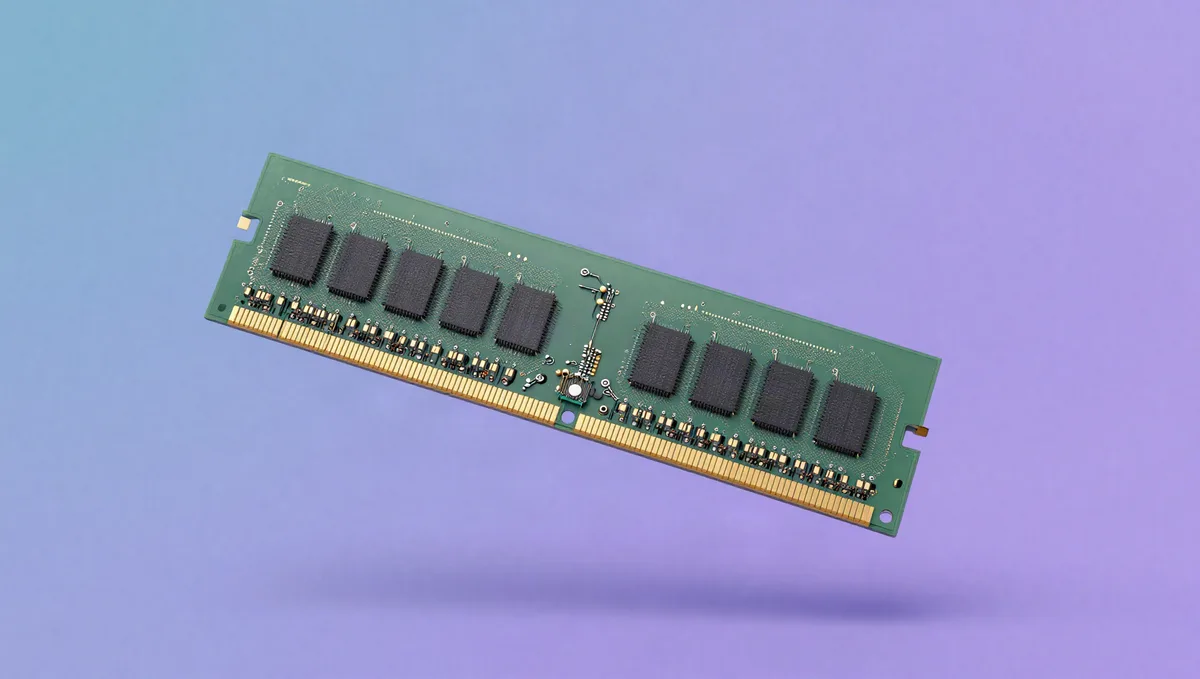
8GB, 16GB or 32GB? RAM is one of the easiest specs to get wrong on a laptop or phone, in either direction. And more isn't automatically better.
How much RAM by use (2026)
| Use | Comfortable RAM |
|---|---|
| Web, office, streaming | 8 GB (16 GB is safer) |
| Multitasking, all-round | 16 GB |
| Photo/video editing, VMs | 32 GB |
| Pro workstation workloads | 64 GB or more |
What RAM does
RAM (random-access memory) is fast, temporary working memory: the desk your device spreads its open apps and browser tabs across while it uses them. It's volatile, holding data only while powered, and it's separate from storage (the SSD or hard drive), which is the filing cabinet that keeps your files when the power's off. More RAM means more can stay open and instantly reachable at once.
When RAM fills up, the system falls back on far slower storage to make room, swapping data in and out, and everything stutters. That's the lag you get with too many heavy tabs and apps open on a memory-starved machine.
How much for what
For light use (web, email, office documents, streaming) 8GB still works, though many browser tabs fill it quickly. 16GB is the comfortable choice for most people right now. It handles heavy multitasking, dozens of tabs and light creative work without strain, and it's cheap. Step up to 32GB for serious photo and video editing, large spreadsheets, virtual machines or big software projects. 64GB+ is only for professional workstation workloads.
On laptops, RAM is increasingly soldered to the board, which means no upgrades later. If yours can't be expanded, buy one tier more than you need today.
Speed and dual-channel
Capacity is only part of it. RAM also has a speed (its data rate) and a generation, and DDR5 is faster than the older DDR4. Running two sticks in "dual channel" rather than one lets the system move data on two lanes at once, which noticeably helps laptops that lean on integrated graphics. Between two machines with the same amount of RAM, pick the newer, dual-channel configuration.
Sources & further reading
The facts and figures in this article come from the references below (some of them not in English), so you can check them yourself.
- Random-access memory — Wikipedia
- DDR5 SDRAM — Wikipedia