USB-C, USB4 and Thunderbolt: what's the difference?
Same port, wildly different capabilities. How to tell what a USB-C port can do.
By Let’s Compare · 1 min read · Updated September 24, 2026
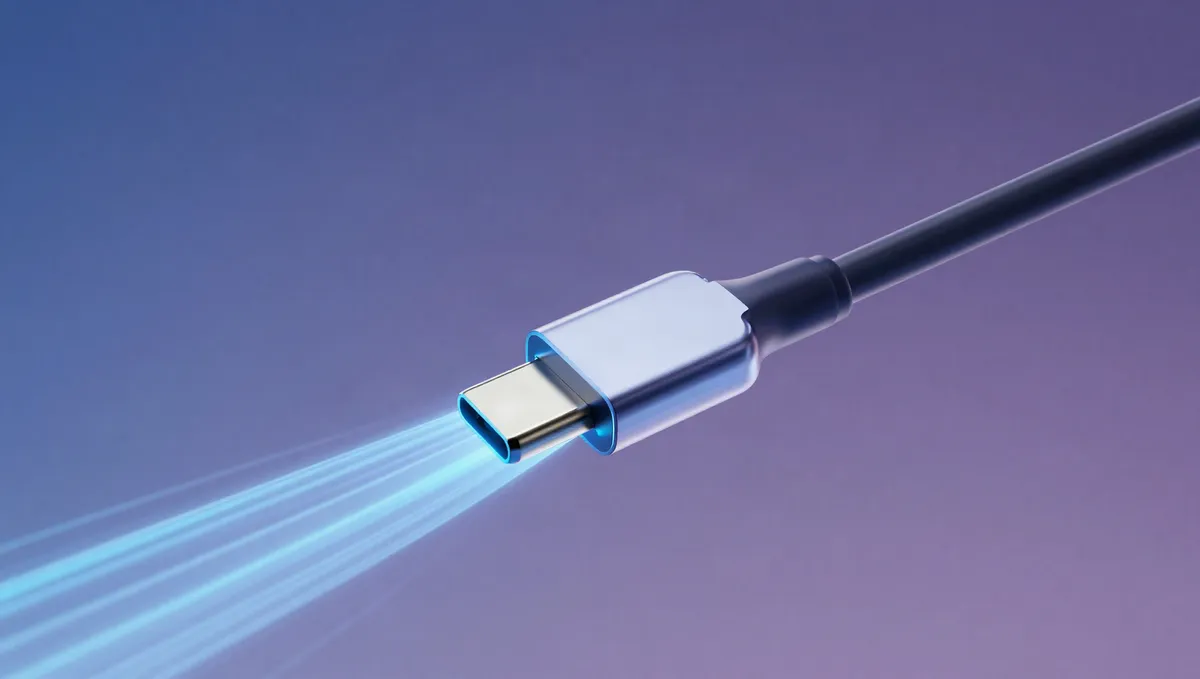
USB-C is just a connector shape. Two ports that look identical can do completely different things: one might only charge and move data slowly, while another drives two 4K monitors and hits 40 Gbps. You'll want to know which is which before you buy.
USB-C standards compared
| Standard | Max speed | Video & charging |
|---|---|---|
| USB 2.0 | 480 Mbps | Charging only |
| USB 3.2 | 5–20 Gbps | Often video + charging |
| USB4 | up to 40 Gbps | Data, video, power |
| Thunderbolt 4 | 40 Gbps | Dual 4K, 100W-class, PCIe |
Connector vs standard
USB-C describes the small, oval, reversible connector and says nothing about what runs through it. Capability comes from the standard the port supports: USB 2.0 (480 Mbps, slow), USB 3.2 (5–20 Gbps), USB4 (up to 40 Gbps) or Thunderbolt. On its own, 'has USB-C' tells you almost nothing. Check the spec behind the port.
USB4 and Thunderbolt: the fast lane
USB4 and Thunderbolt 3/4 both run over USB-C at up to 40 Gbps and can carry data, video (external monitors) and power over a single cable. Thunderbolt 4 guarantees a strict feature set: 40 Gbps, at least one 4K display (or dual displays), 100W-class charging and PCIe. USB4 is more flexible, and its exact capabilities vary by device. Thunderbolt 5 pushes bandwidth higher again. To dock a laptop to monitors and drives over one cable, these are the ports you want.
What to check before you buy
Don't assume. Look for the specific label. A port marked with a lightning bolt is Thunderbolt; otherwise look for 'USB4', a speed like '10 Gbps', or a small display or charging icon. If you'll drive external monitors or fast SSDs, confirm the port supports video output (DisplayPort Alt Mode) and the Power Delivery wattage you need. The cable counts too, since a cheap USB-C cable can cap a fast port at charging-only.
Related explainers
- How much RAM do you actually need?
Why 8GB now feels tight, where 16GB is the sweet spot, and who needs 32GB or more.
- SSD vs HDD: which storage should you buy?
Why an SSD transforms how a computer feels, and the job a hard drive still does best.
Sources & further reading
The facts and figures in this article come from the references below (some of them not in English), so you can check them yourself.
- USB-C — Wikipedia
- USB4 — Wikipedia
- Thunderbolt (interface) — Wikipedia