How much VRAM do you actually need?
Why 8GB is running out of road, how resolution eats memory, and where upscaling fits in.
By the Let’s Compare Editorial Team · 1 min read · Updated September 24, 2026
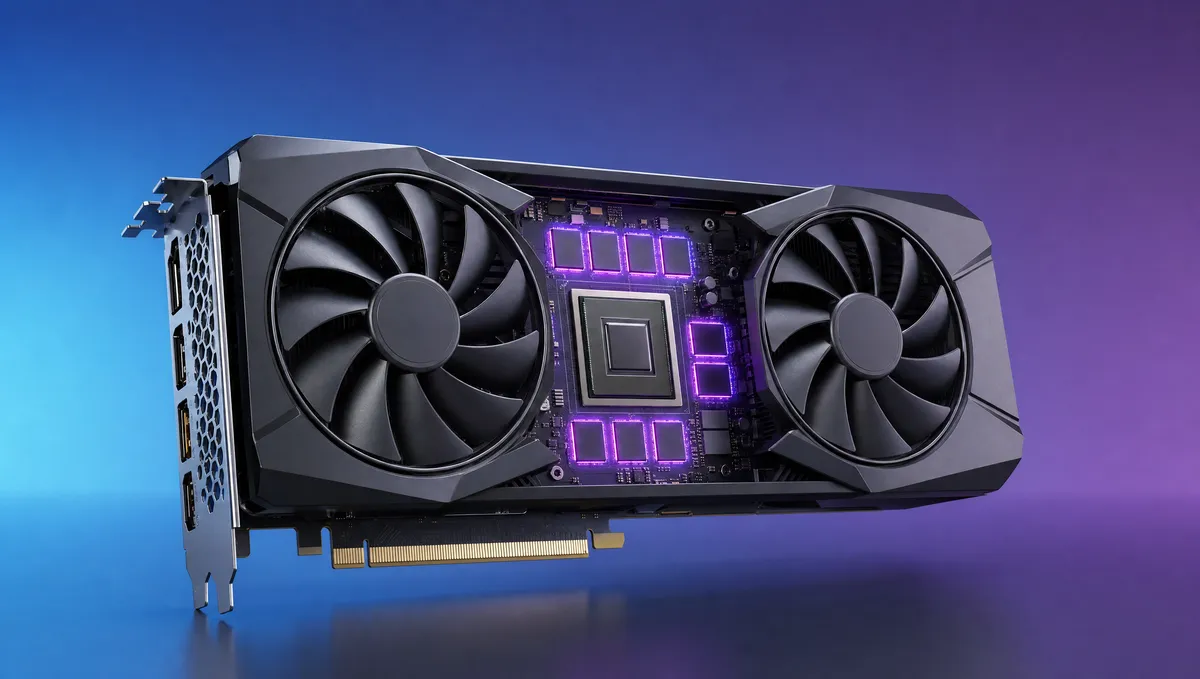
A graphics card can have plenty of raw speed and still stutter and drop textures, simply because it ran out of video memory (VRAM). More and more, VRAM decides whether a card ages gracefully. No amount of core power makes up for too little of it.
How much VRAM by resolution (2026)
| Resolution | Comfortable VRAM |
|---|---|
| 1080p | 8 GB (12 GB is safer) |
| 1440p | 12 GB or more |
| 4K / high textures | 16 GB or more |
Why 8GB is running low
For years 8GB was the comfortable mainstream figure. Not any more. German hardware testing at PC Games Hardware concludes that 8GB has for a while been insufficient for worry-free maximum-detail play, with modern games wanting 12GB or more, even at 1080p with aggressive upscaling in use. A card that runs short of VRAM has to swap data in and out, and you get stutter and lower-resolution textures however fast the GPU is.
Resolution and settings set the demand
Higher resolutions and texture settings consume more memory, so a 4K card needs more VRAM headroom than a 1080p one. As a rough guide, aim above the minimum for your resolution and plan to keep the card a few years. VRAM tends to age better than raw compute, because it's the hard wall that forces you to turn settings down.
A mid-range card with generous memory often outlasts a slightly faster one that's memory-starved.
Upscaling helps, up to a point
Upscaling renders the game at a lower resolution and reconstructs a higher-resolution image, which boosts frame rates. NVIDIA's DLSS is a suite of AI neural-rendering techniques that run on dedicated Tensor Cores to raise FPS, cut latency and improve image quality. AMD's open-source FSR 3 adds frame generation on top of upscaling and runs across a wide range of GPUs. Either can give a card a second wind. Neither settles the VRAM question, since higher output resolutions and frame generation still need memory, so count upscaling as a bonus and still buy enough VRAM.
Related explainers
- Laptop vs desktop GPUs: why the same name isn't the same speed
An RTX 4070 in a laptop and an RTX 4070 in a desktop are very different parts. Power limits explain why.
Sources & further reading
The facts and figures in this article come from the references below (some of them not in English), so you can check them yourself.
- 8 vs. 16 GiByte VRAM im Test — PC Games Hardware (DE)
- NVIDIA DLSS — NVIDIA
- AMD FidelityFX Super Resolution 3 — AMD GPUOpen