Laptop vs desktop GPUs: why the same name isn't the same speed
An RTX 4070 in a laptop and an RTX 4070 in a desktop are very different parts. Power limits explain why.
By the Let’s Compare Editorial Team · 2 min read · Updated September 24, 2026
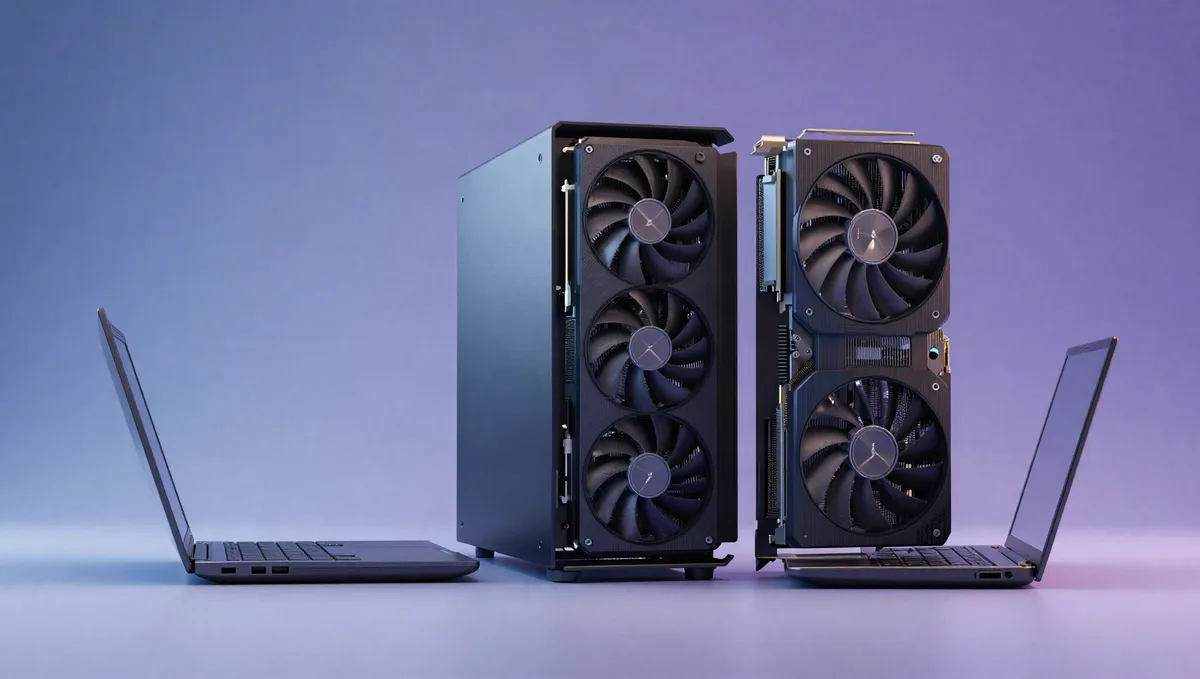
Is an RTX 4070 laptop as fast as an RTX 4070 desktop? No, and sometimes not even close. Graphics chips in laptops share a name with their desktop cousins but run on a fraction of the power, and the laptop maker decides how much.
Rated GPU power: laptop vs desktop (NVIDIA RTX 40 series)
| GPU | Desktop | Laptop |
|---|---|---|
| RTX 4090 | 450 W | 80–150 W |
| RTX 4080 | 320 W | 60–150 W |
| RTX 4070 | 200 W | 35–115 W |
| RTX 4060 | 115 W | 35–115 W |
Power is the difference
A graphics chip's speed depends heavily on how much power it's allowed to draw, and a laptop simply can't feed or cool it like a desktop can. The desktop RTX 4070 is rated at 200 W. NVIDIA's own spec sheet lists the laptop RTX 4070 at 35 to 115 W. At the top end the gap is wider still: the desktop RTX 4090 is rated at 450 W, while the laptop version runs at 80 to 150 W.
Less power means lower clock speeds, and lower clock speeds mean fewer frames. So a laptop GPU with a big model number can land well below the desktop card it's named after.
The laptop maker sets the limit
Those power figures are ranges, not fixed numbers. Each laptop maker picks where in the range its model sits, based on how thick the chassis is and how much cooling it has. A thin, quiet laptop might run an RTX 4070 near 35 W; a heavy gaming machine might run the same chip at the full 115 W. Some laptops can also borrow a little extra power from the CPU when it's idle.
The result is that two laptops with the same GPU name can perform very differently. The chip on the box tells you the ceiling. The laptop's power setting tells you how close to it you'll get.
How to shop for a laptop GPU
Look for the GPU's power rating (often listed as TGP, or total graphics power) in the laptop's spec sheet or review, and compare that alongside the model name. A lower-tier chip at full power can match or beat a higher-tier chip that's been heavily throttled. If a laptop maker doesn't publish the figure, independent reviews usually measure it.
And set expectations: even at full power, a laptop GPU trades some speed for portability. If you mostly game at a desk, a desktop gets you far more performance for the money.
Related explainers
- How much VRAM do you actually need?
Why 8GB is running out of road, how resolution eats memory, and where upscaling fits in.
Sources & further reading
The facts and figures in this article come from the references below (some of them not in English), so you can check them yourself.
- Compare GeForce laptops — NVIDIA
- GeForce RTX 40 series — Wikipedia