How to choose a graphics card (2026)
By the Let’s Compare Editorial Team · 2 min read · 5 things that matter · Updated September 2026
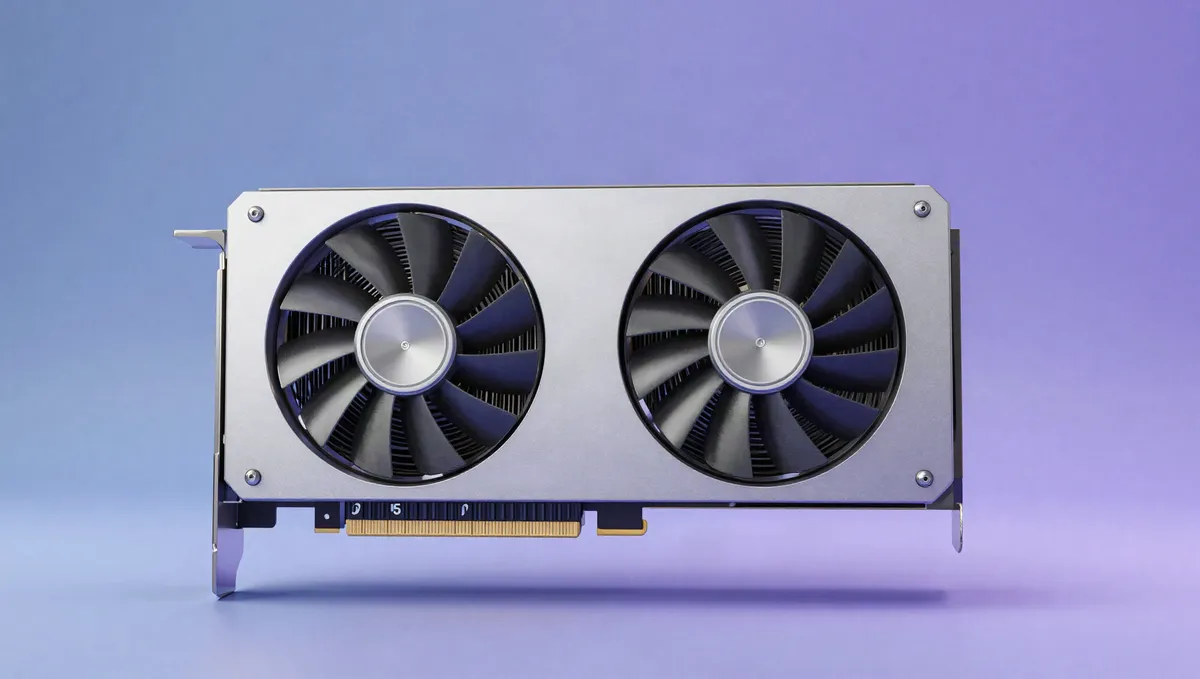
Short answer: Buy a card for the resolution and refresh rate you play at, with enough VRAM to last. Before you commit, check that it fits your case and that your power supply can feed it. Real-world benchmarks at your resolution tell you more than headline specs do, and upscaling and ray-tracing support are worth weighing if you care about those features.
What's the most expensive part of a gaming PC? Usually the graphics card, which is also the part that does the most for gaming and creative performance. We track well over a hundred GPUs, so the medians here make a solid market baseline. Each spec below comes with its weight in our 0–100 score and what's normal across the cards we track.
What matters most, and how much
| Factor | Weight in our score |
|---|---|
| Performance | 45% |
| Bandwidth & clocks | 17% |
| VRAM | 11% |
| Ray tracing & upscaling | 6% |
How much each factor moves our 0–100 gpus score.
Torn between the top two? See our head-to-head: Nvidia GeForce RTX 5090 vs Nvidia GeForce RTX 4090 →
Performance: pick by resolution, not by spec
GPU specs don't translate cleanly between architectures, so choose on benchmark results at your target resolution and refresh rate. Settle the goal first (1080p high-refresh, 1440p or 4K), then find the card that hits the framerate you want there. The most common and most expensive mistake is buying far more GPU than your monitor can show, or far less than your resolution demands.
Weight in our score: 45%See the best for this →
VRAM: the spec that decides how long it lasts
Video memory is easy to overlook, yet it decides how well a card ages. The cards we track have a median of 12GB; 89% carry at least 8GB and 55% have 12GB or more. Run out of VRAM and you get stutter and forced lower textures, however fast the chip is, and higher resolutions and texture settings use more of it. For 1440p and 4K, or if you want the card to stay comfortable for years, lean toward more VRAM. It ages better than raw speed.
Weight in our score: 11%See the best for this →
Bandwidth & clocks: read them in context
Memory bandwidth, bus width and clock speeds all feed the GPU, and a bottleneck in any of them caps performance. Still, these numbers only compare within the same architecture. Compute figures such as FP32 (our median is 12.3 TFLOPS) hint at raw throughput but rarely track gaming performance one-to-one. Read them as context for a benchmark result rather than a substitute for one.
Weight in our score: 17%
Power, cooling & size: check before you buy
A fast card is useless if it won't fit or your power supply can't feed it. The GPUs we track draw a median of 180W and the high end pulls much more, so confirm your power supply has the wattage and the right connectors, and that the card physically fits your case (length and slot height). More power also means more heat and noise, which makes cooler design and case airflow important. Doing these checks now saves you the most frustrating build-day surprises.
Ray tracing & upscaling: features that shift the value
Feature support can change which card is the better buy. Ray tracing adds realistic lighting at a heavy performance cost, and cards vary a lot in how well they cope with it. Upscaling (DLSS, FSR, XeSS) reconstructs a higher-resolution image from a lower one to boost framerates; quality and game support differ by brand, and good upscaling can effectively give a card a second life. If these features matter to you, weigh them alongside benchmarks, not as an afterthought.
Weight in our score: 6%
Frequently asked questions
How much VRAM do I need for gaming?
At 1080p, 8GB is the floor and 12GB is safer. Aim for 12GB+ at 1440p and 16GB+ at 4K. VRAM ages better than raw speed, so go higher if you plan to keep the card for years.
How do I choose a graphics card?
Use benchmarks at your target resolution and refresh rate to pick the performance level, then confirm the card fits your case and that your power supply has the wattage and connectors.
What are DLSS and FSR?
They're upscaling technologies: the game renders at a lower resolution and the image is reconstructed at a higher one to boost frame rates. DLSS is NVIDIA's AI-based version. FSR is AMD's open-source alternative, and FSR 3 adds frame generation on top of upscaling.
Explainers for this guide
- How much VRAM do you actually need?
Why 8GB is running out of road, how resolution eats memory, and where upscaling fits in.
- Laptop vs desktop GPUs: why the same name isn't the same speed
An RTX 4070 in a laptop and an RTX 4070 in a desktop are very different parts. Power limits explain why.
Sources & further reading
Every figure above is computed from our own catalogue. The general technical claims are backed by the independent references below (some from non-English outlets), so you can check them yourself.
- 8 vs. 16 GiByte VRAM im Test: Bei Radeon-Grafikkarten unverzichtbar — PC Games Hardware (DE)
- GeForce RTX 4070 Family Graphics Cards — NVIDIA
- NVIDIA DLSS — NVIDIA
- AMD FidelityFX Super Resolution 3 (FSR 3) — AMD GPUOpen
Ready to compare?
The figures in this guide are computed live from the 113 gpusin our catalogue and update as it grows. Analysis by the Let’s Compare Data Engine.